
11 KiB
| title | chunk | source | category | tags | date_saved | instance |
|---|---|---|---|---|---|---|
| Grid Cell - Glossary | MDN | 1/3 | https://developer.mozilla.org/en-US/docs/Glossary/Grid_Cell | reference | web, html, css, javascript, documentation | 2026-05-05T05:32:59.897882+00:00 | kb-cron |
MDN HTML HTML: Markup language
HTML reference
HTML guides
Markup languages
CSS reference
CSS guides
Layout cookbook
JavaScriptJS JavaScript: Scripting language
JS reference
JS guides
Web APIs Web APIs: Programming interfaces
Web API reference
Web API guides
- Using the Web animation API
- Using the Fetch API
- Working with the History API
- Using the Web speech API
- Using web workers
Technologies
Topics
Learn Learn web development
Frontend developer course
- Getting started modules
- Core modules
- MDN Curriculum
- Check out the video course from Scrimba, our partner
Learn HTML
Learn CSS
Learn JavaScript
Tools Discover our tools
About Get to know MDN better
Grid Cell
In a CSS grid layout, a grid cell is the smallest unit you can have on your CSS grid. It is the space between four intersecting grid lines and conceptually much like a table cell.
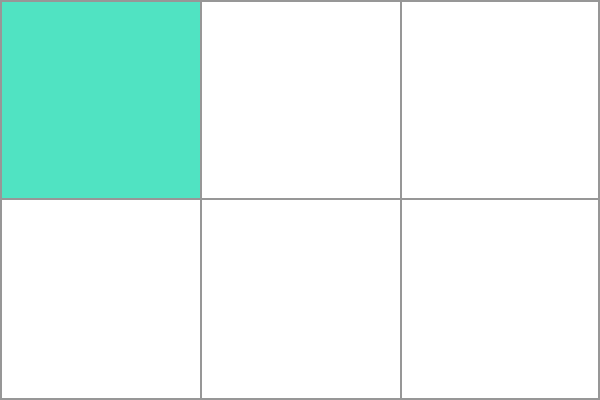 If you do not place items using one of the grid placement methods, direct children of the grid container will be placed one into each individual grid cell by the auto-placement algorithm. Additional row or column tracks will be created to create enough cells to hold all items.
In this article
Example
In the example we have created a three column track grid. The five items are placed into grid cells working along an initial row of three grid cells, then creating a new row for the remaining two.