
12 KiB
| title | chunk | source | category | tags | date_saved | instance |
|---|---|---|---|---|---|---|
| Grid areas - Glossary | MDN | 1/3 | https://developer.mozilla.org/en-US/docs/Glossary/Grid_Areas | reference | web, html, css, javascript, documentation | 2026-05-05T05:32:54.320434+00:00 | kb-cron |
MDN HTML HTML: Markup language
HTML reference
HTML guides
Markup languages
CSS reference
CSS guides
Layout cookbook
JavaScriptJS JavaScript: Scripting language
JS reference
JS guides
Web APIs Web APIs: Programming interfaces
Web API reference
Web API guides
- Using the Web animation API
- Using the Fetch API
- Working with the History API
- Using the Web speech API
- Using web workers
Technologies
Topics
Learn Learn web development
Frontend developer course
- Getting started modules
- Core modules
- MDN Curriculum
- Check out the video course from Scrimba, our partner
Learn HTML
Learn CSS
Learn JavaScript
Tools Discover our tools
About Get to know MDN better
Grid areas
A grid area is one or more grid cells that make up a rectangular area on the grid. Grid areas are created when you place an item using line-based placement or when defining areas using named grid areas.
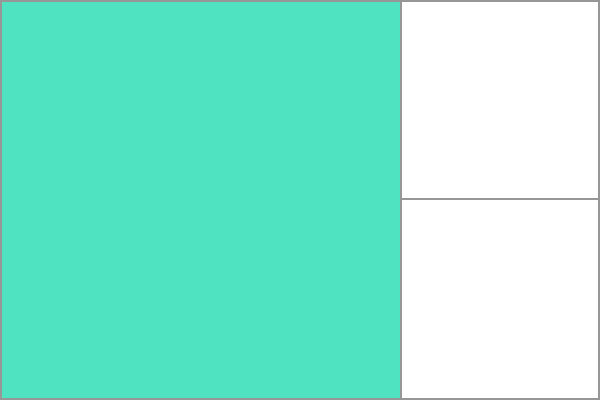 Grid areas must be rectangular in nature; it is not possible to create, for example, a T- or L-shaped grid area.
In this article
Example
In the example below I have a grid container with two grid items. I have named these with the grid-area property and then laid them out on the grid using grid-template-areas. This creates two grid areas, one covering four grid cells, the other two.
See also
Property reference
grid-template-columnsgrid-template-rowsgrid-auto-rowsgrid-auto-columnsgrid-template-areasgrid-area